Setting up environment
*** IGNORE THIS, YOU SHOULD HAVE GOT AN EMAIL *** This is plan B...
Prerequisites
- Install Microsoft Authenticator on your phone Download authenticator
Login to Copilot Studio
- Head to https://copilotstudio.microsoft.com
- Login with an assigned account e.g. espcuserX@mcd79.com
- When prompted, you will need to setup Multifactor Authentication (MFA)
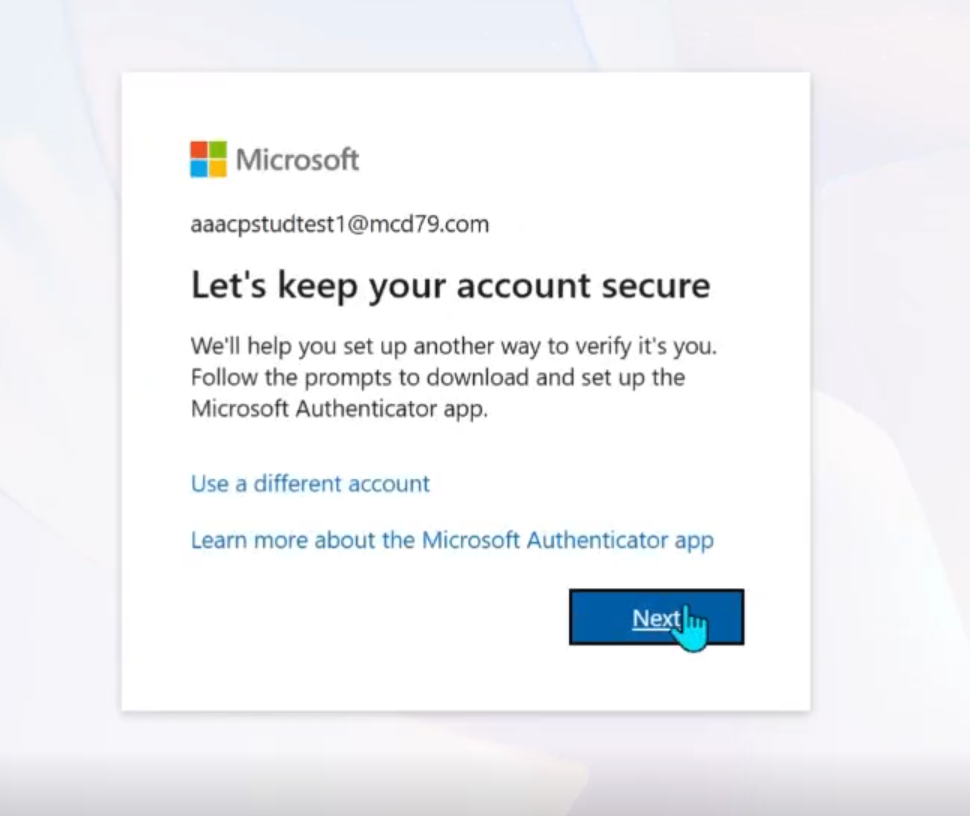
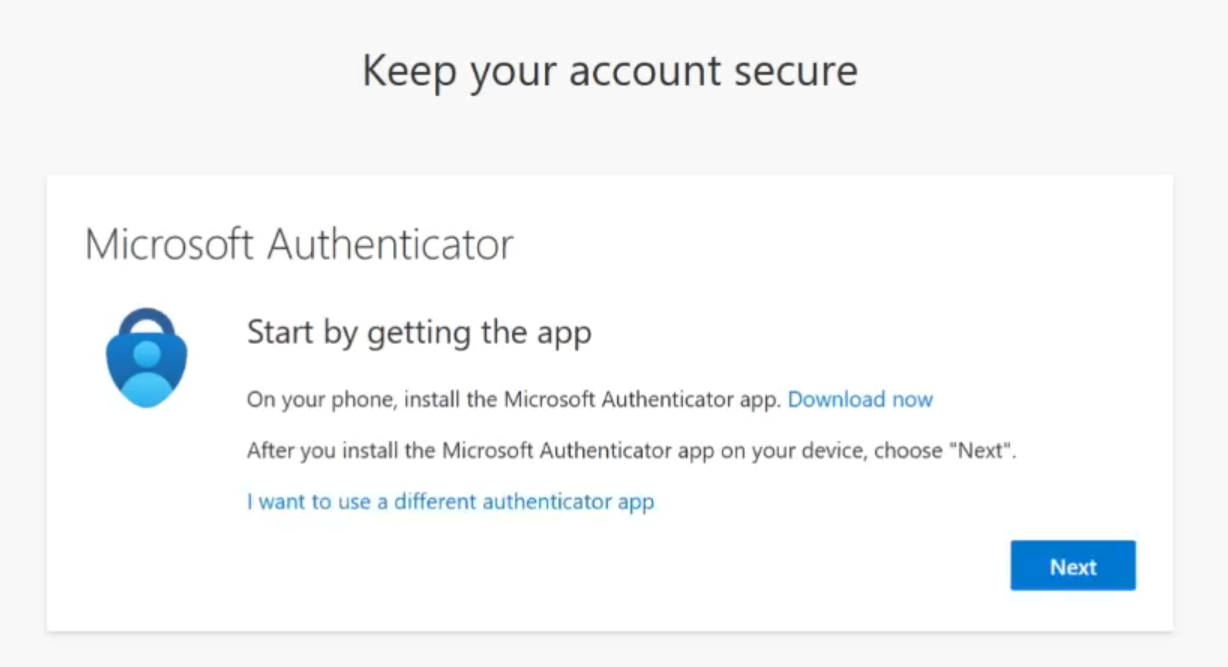
- Ensure you have Authenticator and then click on Next
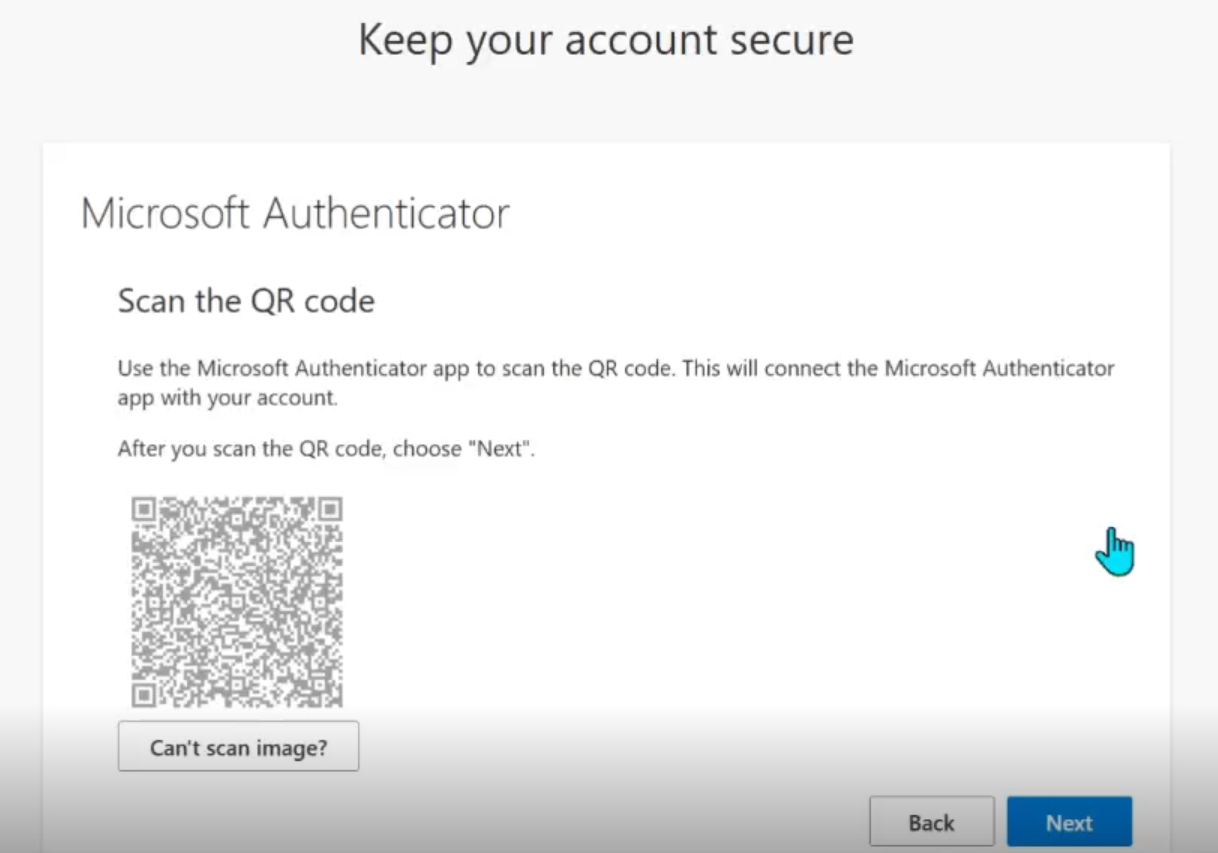
- Open the Authenticator app and click on the QR code button to the bottom right
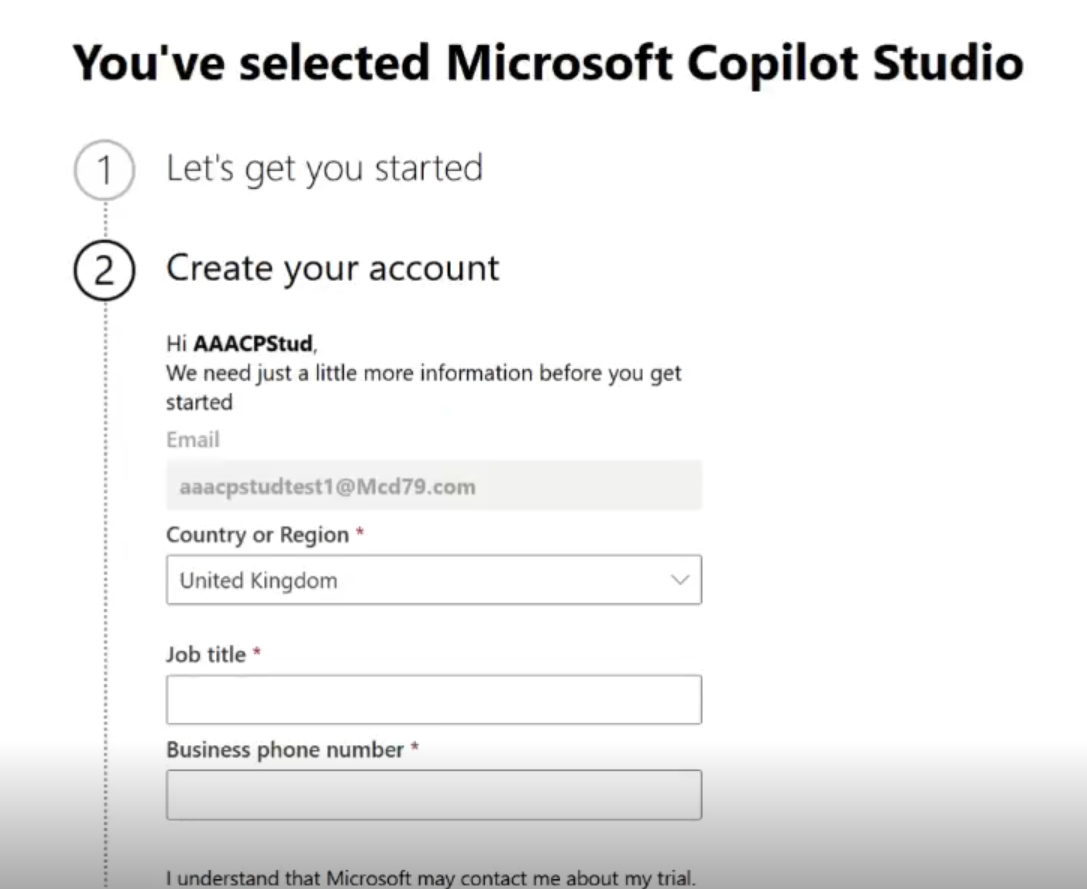
- Once logged in, you will need to set up the trial by clicking on Get Started
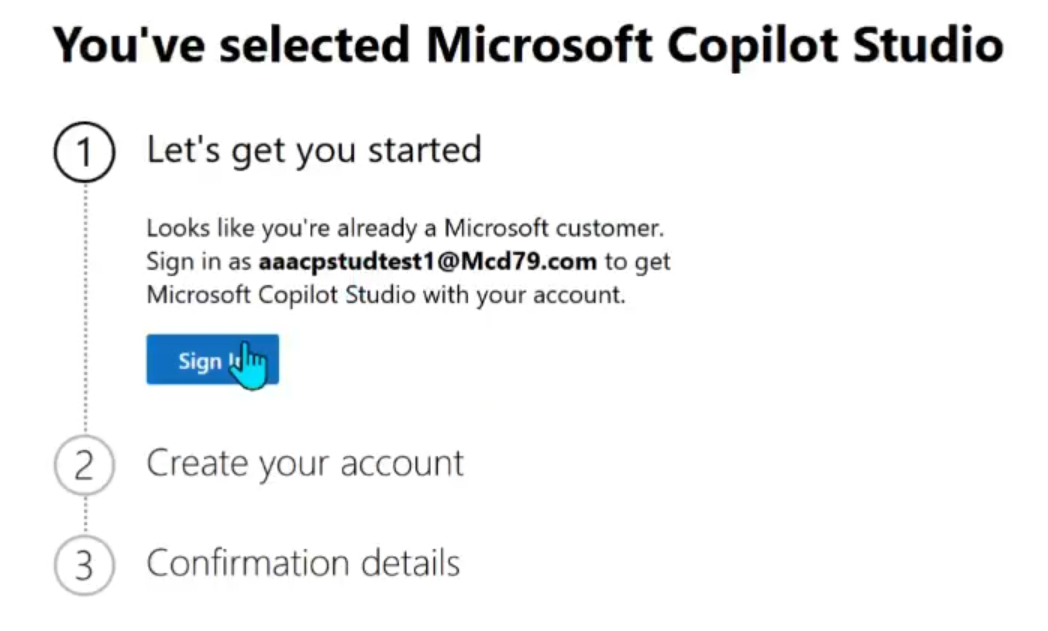
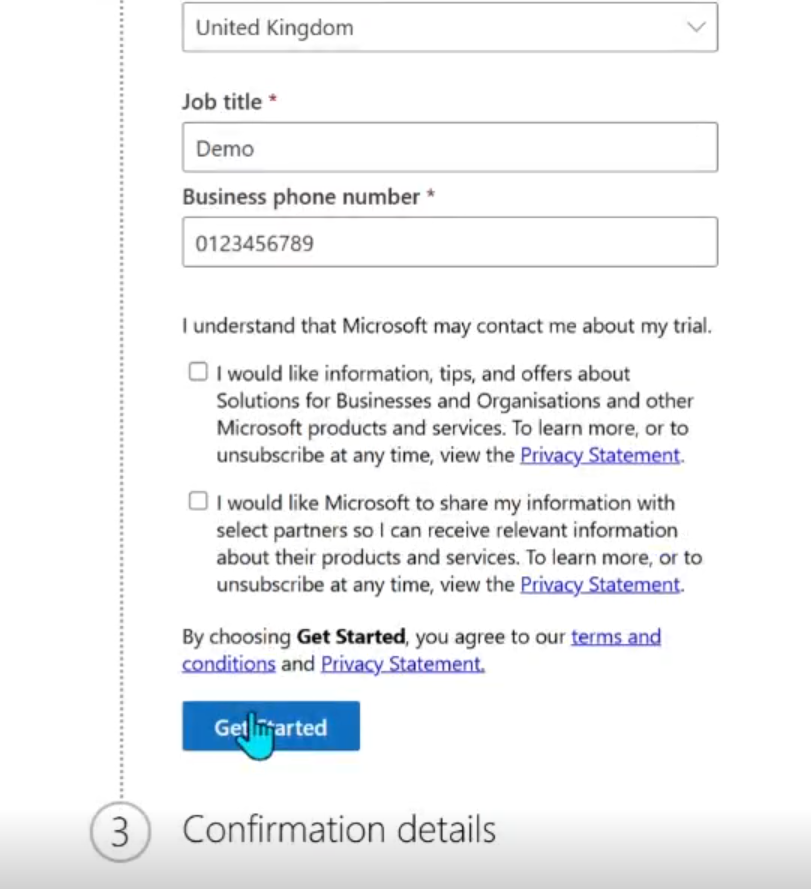
- Fill out the details, without feeling that you need to put full details there
- Click on Get Started and you are ready to start using Copilot Studio
Next step - Build an agent